Sep 02
Solutions For Failure to See Anything on Computer Screen/Monitor:
– A setting in the BIOS may be conflicting with other devices. This can be solved by resetting CMOS (take out the battery on your motherboard for a few minutes then replace). All this will do is reset your BIOS settings to default and your date/time settings will be off.
– Hardware may be dusty and causing a component to fail. Dust everything out inside your case and try again.
– Components such as RAM may be in the incorrect positions/slots. Try your best to find their correct locations.
– A component may have come loose. Take care to reseat as many components as you can, while making sure all cables are plugged in.
– A component may be dead. Try to temporarily replace devices one by one to try and find problem. For example using a spare graphics card and trying to boot or taking the GPU out completely and testing out the onboard.
Aug 21
For those that have previous experience with installing operating systems, the installation of Windows 7 will be quite a relief once it comes to setting everything up. As well as a simpler installation process with less options to continually enter throughout the install, it is quicker and includes an improved ability to scan current hardware and install drivers automatically. This does not work for all hardware so there are a few steps you can follow to resolve issues with hardware that doesn’t work automatically.
If you have booted into Windows 7 and some components aren’t functioning, or you have just updated drivers and they have caused the device to stop working; go to Start > Computer > Hardware and Sound > Device Manager (under Devices and Printers) > then click on the responding category to the failing device. For example, if you are having trouble connecting to the internet you would click Network Adapters and right click the NIC (network interface card). Once there click on the Driver tab, then the Update Driver button. If Windows fails to find an update the next step is getting a driver from a 3rd party. Alternatively, if you have just installed a new driver (and your device has stopped working) and this button is not available, click Roll Back Driver to reset to a driver that may work with your device.
Locating a driver from a 3rd party tends to involve finding the name of the manufacture for the product and visiting their website to download needed drivers. They will also require the type/model number of your device as well as operating system (Windows 7). If the computer in question is searching for NIC-related drivers or doesn’t have access to the internet you will have to visit a friend’s house or internet cafe with a USB/storage device to transfer it to your computer. After this is downloaded (make sure it is x64 if your system is 64 bit or x86 if install was 32 bit), run the setup exe. and it should be an automated install. If the folder you downloaded does not contain a setup exe. you have likely downloaded the wrong file (or they have stopped hosting it).
I will also add that if you have an older device and are trying really hard to find a working driver, the sad thing is manufacturers tend to stop hosting drivers after a while and it will be in your best interests to just buy a new device.
Jun 26
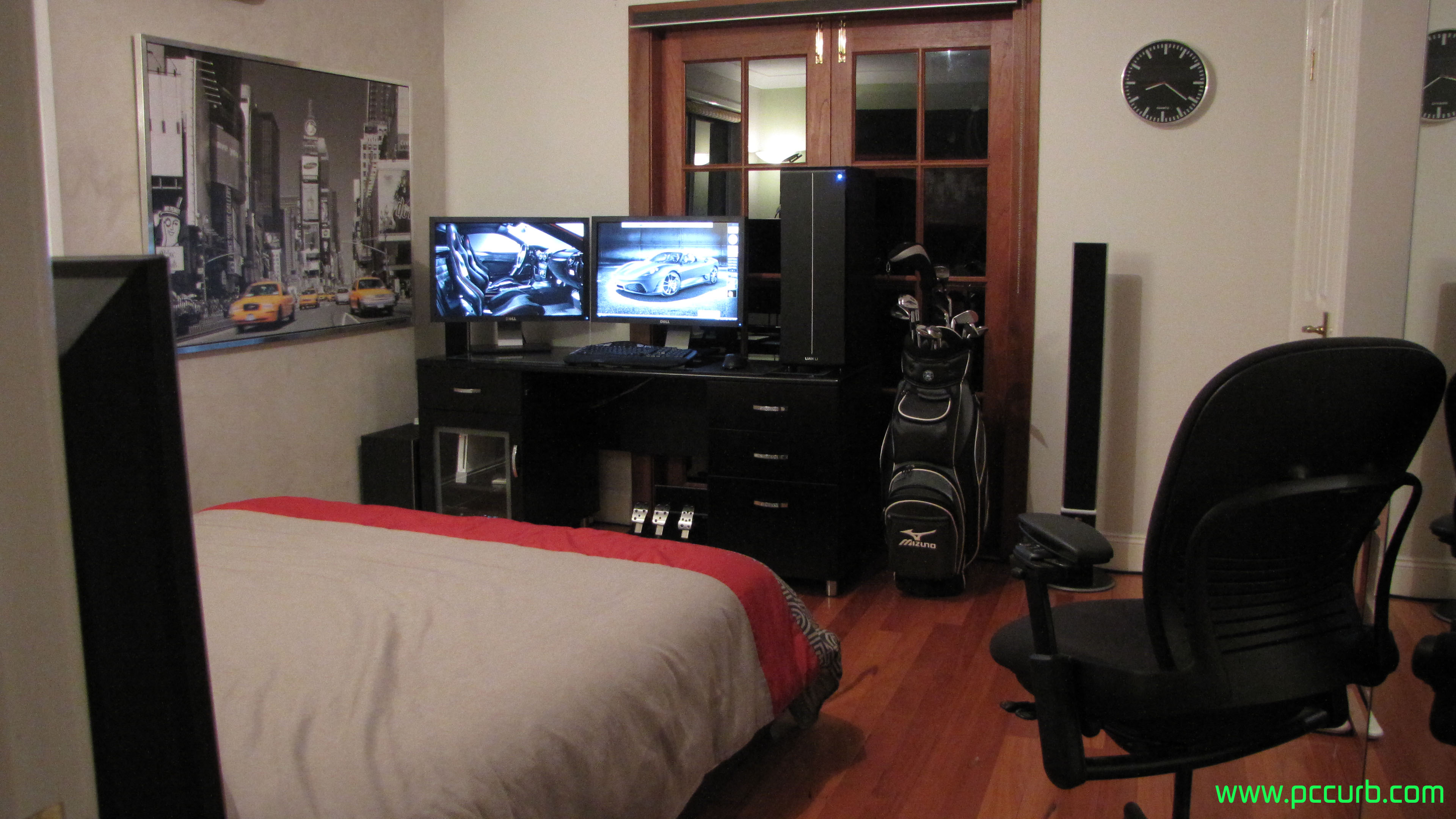
Click to enlarge.
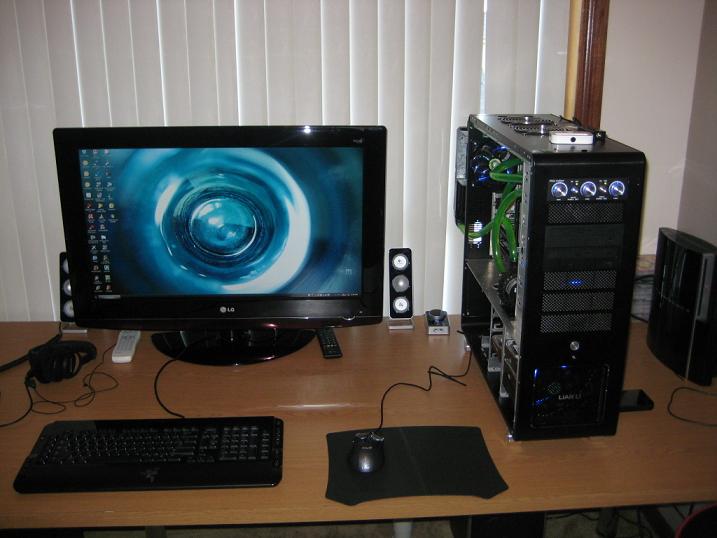
Want your PC setup to appear on Awesome PC Setup Saturday? Send an email to admin@pccurb.com with photos attached.
May 08
It is a common dilemma for people to contemplate whether or not turning off their computers overnight is beneficial. While there is potential for a reduction in the wearing of hardware because it is running 8 hours less per day, there is also a posibility that turning hardware on and off repeatedly (especially hard drives) can cause more damage than leaving them on for extended periods of time.
The general concensus seems to be that either option is fine because the effect on the hardware is too insignificant to cause damage. Servers can be left on 24/7 and run fine for years untouched, but at the same time hardware is now manufactured quite delicately and can usually withstand being turned off and on. Ofcourse, this statement only applies to computer setups that provide adequate environments for optimal function. eg. having fans to reduce temperature.
Some of the pros for leaving computers on overnight include; allowing time to complete downloads/uploads and not having to worry about the high bandwidth use effecting your web browsing, it is more efficient to be able to leave particular programs or browser windows open and be able to access them straight away the next day and the potential to increase the life of components.
Some cons include; a greater amount of heat is exhausted and can damage components if not properly ventilated, the extra power usage can increase the price of your electricity bill and lastly, the potential for hard disks to deteriorate or become corrupted after starting and stopping continuously.
Whether or not you choose to shut down your computer every night, the decision you make will most likely not damage your hardware or have drastic effects on anything. It is still advisable to weigh up the pros and cons as you might end up saving a buck or 2 every day or renouncing paranoia due to an uneducated decision.
Apr 19
Solid-state drives (SSDs) are a new form of data storage. Differing to regular hard drives, they don’t contain any moving parts or mechanical actions. They are much quicker for random access of data, quieter and are less prone to damage. They are known for speeding up the loading times when opening programs by common percentages of 10% and sometimes 50% faster compared to regular hard drives.
Two types of SSDs include flash and DRAM based. Flash is a more a non-volatile solution as it doesn’t require a constant power supply to support RAM, whereas a DRAM drive will include an internal battery to make sure data is not lost when the primary power is turned off. While DRAM dives are faster, they are also very volatile which is why flash based drives seem to be more suitable for the consumer market.
The market for solid-state drives is increasing as they grow in popularity and prices decrease. One of the factors holding back its development is the scepticism from potential purchasers about performance degradation aswell as data loss. Data can be read many times and not cause any problems, but the issue is concerned with the modification and overwriting of data because it weakens the tunnel for data preservation.
Some popular drives out now include the Intel x25-m 80g, Intel x25-E 32g, OCZ Vertex 60g and the OCZ Vertex 120gb. These range from $400 to $800. These prices are blatantly expensive for the storage they provide for most consumers and they won’t provide much bang-for-buck at the moment. OCV is currently in the development stage of a new SSD series, where sequential read and write speeds expect to reach 200-250mb/s.
Fast speeds, less power use, total silence and faster computing are just some things offered by solid-state drives. Their prevalence in the computer industry is sure to increase in the near future.
Apr 03
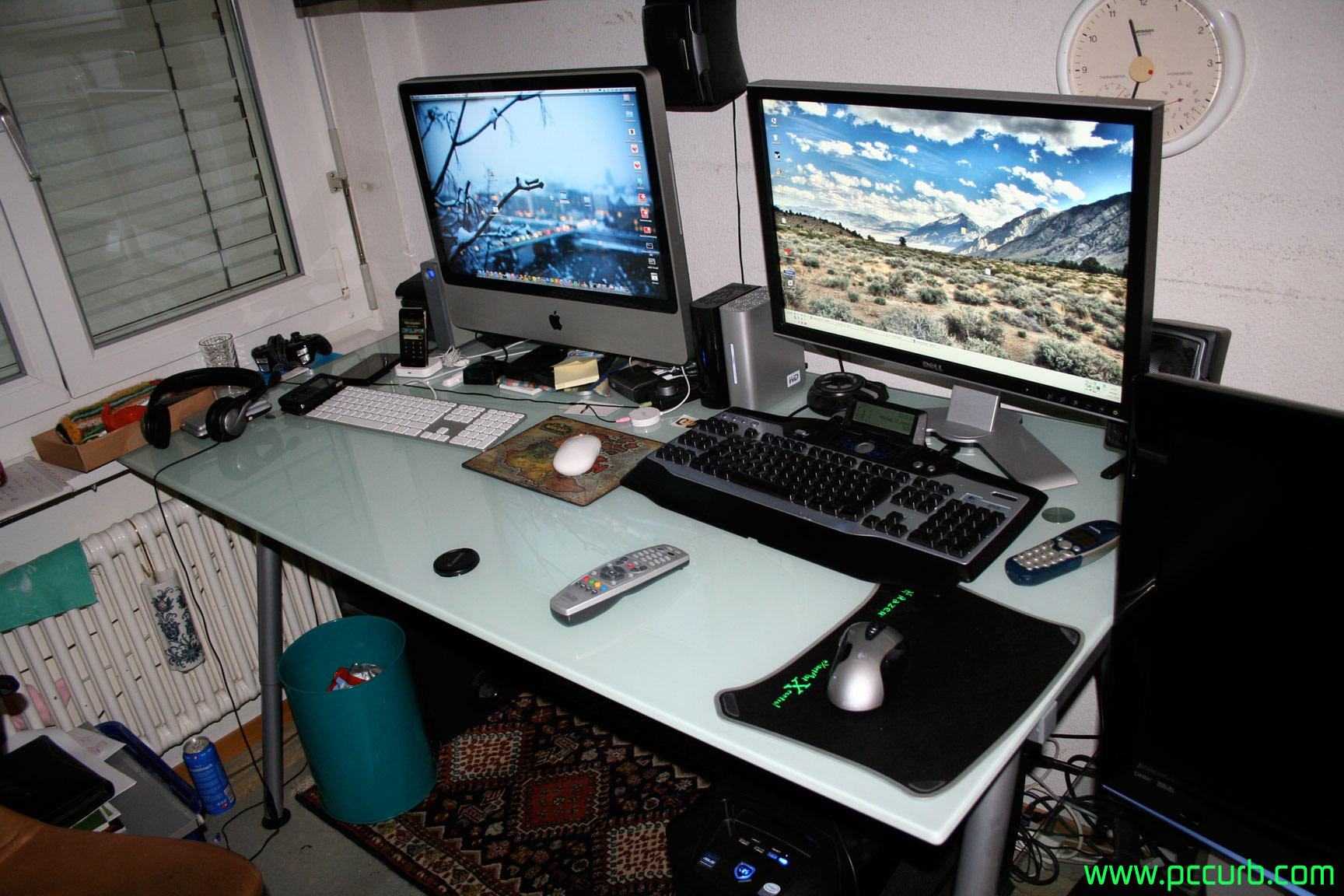
Click to enlarge.
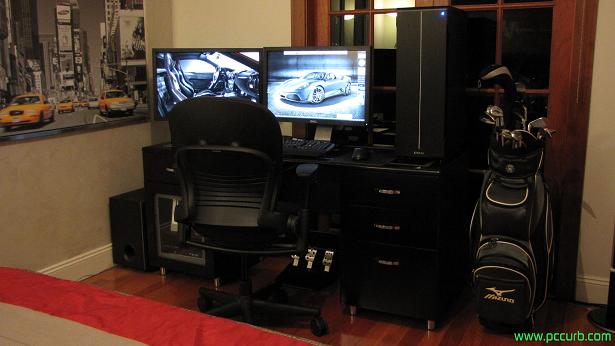
Want your PC setup to appear on Awesome PC Setup Saturday? Send an email to admin@pccurb.com with photos attached.
Feb 27
Click to enlarge.
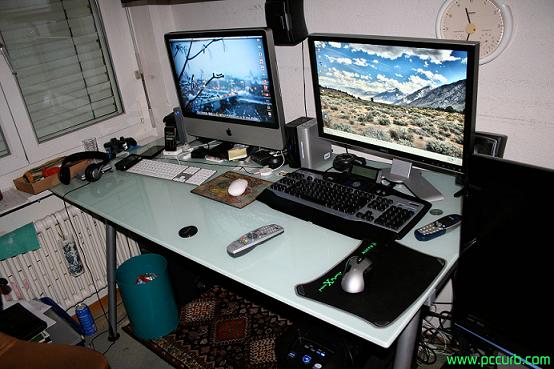
Want your PC setup to appear on Awesome PC Setup Saturday? Send an email to admin@pccurb.com with photos attached.
Feb 07
After prolonged exposure to computers, some people become interested in the practice of overclocking. This is supported by the thought that they find out they can make their computers run faster without any expensive upgrades. Even unexperienced users are attracted to this concept. Although it is a simple process to perform, overclocking should remain something that only computer enthusiasts attempt because of the negative side affects.
Overclocking will force your components to run faster. It will use more power and perform tasks faster than stock speeds. This can be done by raising particular settings through FSB in your BIOS. While it can speed up your CPU, graphics cards and overall system, there is a reason why it is unsupported by hardware manufacturers. If hardware could comfortably handle the speeds some people overclock to, manufacturers would release products running at those speeds. However, when releasing a product to the market it is important that it runs smoothly on the wide range of computers it will be used in.
The downsides to overclocking include:
- decreasing the life span of your components.
- voiding warranty.
- creating extra heat (which could require a better heatsink if your stock can’t handle it).
- destroying hardware if overclocked too much.
- making your system unstable.
- creating extra dust that can clog up your heatsink and/or other components if not regularly cleaned.
It is up to you to exercise precaution before overclocking. Be sure to analyse both pros and cons before messing with your BIOS settings.

Recent Comments